Sign in

Short answer. To create a USPS shipping label online, enter the sender and recipient addresses, the weight and size of the packed box, pick a service, pay, and print the label. You can do this in USPS Click-N-Ship on usps.com with a free account, or in a third party shipping tool. A regular printer and plain white paper are enough. Tape the label flat on the box, then drop it off or schedule a free USPS Package Pickup.
Your options for a USPS label
USPS Click-N-Ship. The USPS online tool on usps.com. You need a free USPS.com account. It sells labels for USPS Ground Advantage, Priority Mail and Priority Mail Express. USPS says all Click-N-Ship users get commercial pricing automatically, which is lower than Post Office counter prices for these services. You can pay by debit or credit card, PayPal or Apple Pay.
Post Office counter. A clerk weighs the parcel and prints the label for you. You pay retail prices, which are higher than commercial prices for Ground Advantage, Priority Mail and Priority Mail Express.
Third party shipping tools. Many websites sell USPS labels, often next to other carriers, so you can compare prices before you buy. Features and prices vary by tool. Our guide on shipping label cost explains what goes into the price.
No printer at home. Click-N-Ship offers two ways around it. With USPS Label Broker, you buy postage, get a Label Broker ID and take it to a Post Office, where the label is printed for you. With USPS Label Delivery, USPS mails you a printed label for $1.65 per label, as of November 2026.
How to make a USPS label online, step by step
- Pack and seal the box. Use a strong box and close all seams with 2 inch wide packing tape. USPS asks you not to wrap boxes in string or twine.
- Weigh and measure it. Weigh the box with everything inside. Measure length, width and height. Wrong numbers lead to the wrong price.
- Sign in. Log in to your USPS.com account, or to the shipping tool you use.
- Enter the addresses. Add your return address and the recipient's address. Check the apartment or suite number and the ZIP Code.
- Enter the package details. Type the weight and dimensions, or choose a Flat Rate envelope or box.
- Pick a service and a shipping date. Compare price and delivery time. In Click-N-Ship, the label creates an electronic record for the date you choose, and you must mail the parcel on or before the shipping date printed on the label.
- Add extra services if needed, such as signature or more insurance.
- Pay and print. Print the label right away, or later from your shipping history.
Printing the label
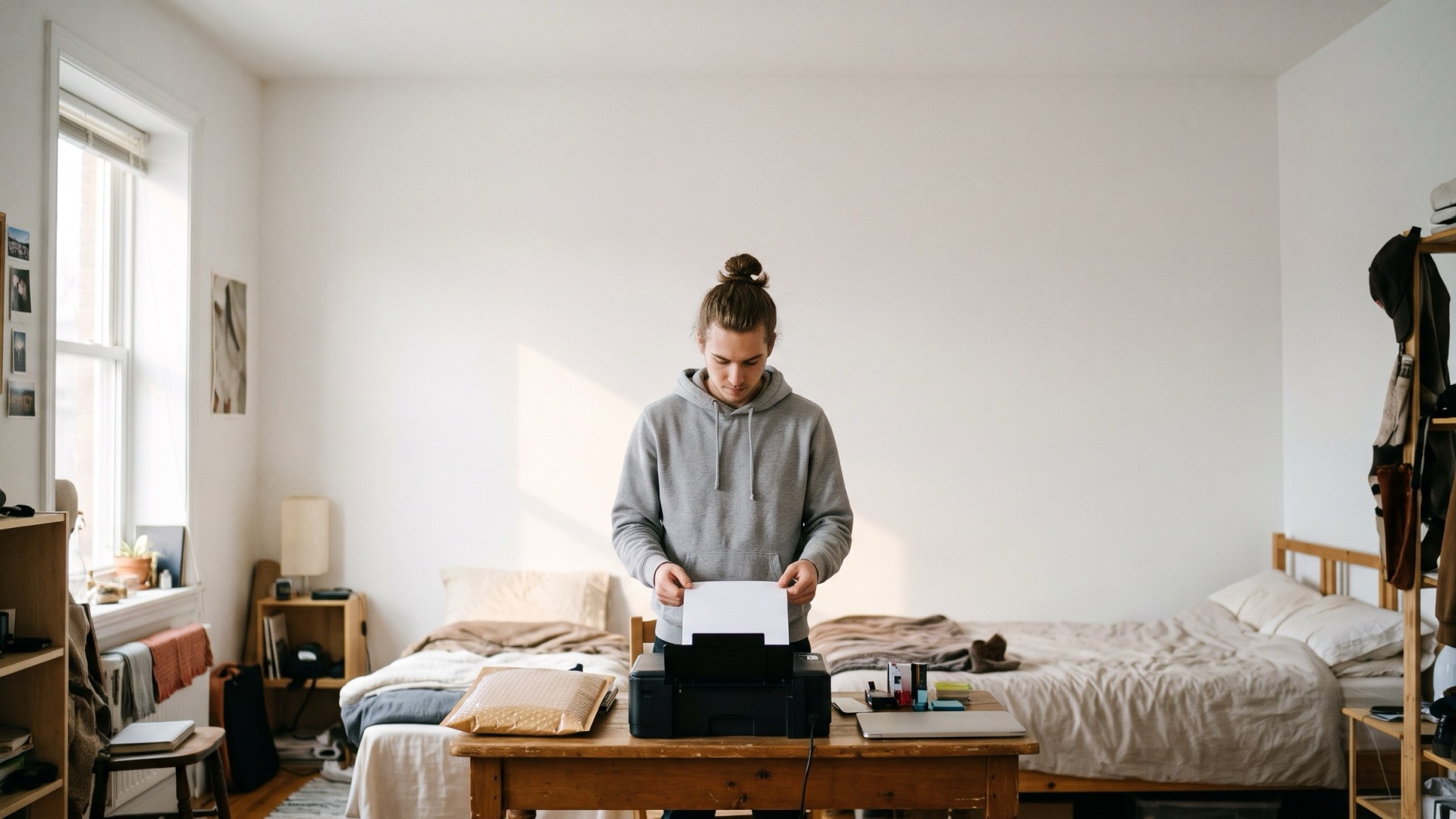
You do not need a label printer. USPS says Click-N-Ship labels need a laser printer or a high quality inkjet printer with black ink. Plain white paper is acceptable, and self adhesive labels are recommended. Online labels print at about 4 x 6 inches.
A thermal label printer is optional. It saves time and tape if you ship often, but a regular printer works for every label. After printing, check that the barcode and addresses are sharp and complete. Our page on printing your label has more tips.
Attaching the label to the box
USPS gives clear rules for labels on parcels:
- Put all labels on the same side of the box.
- Do not fold the label, bend it over an edge, or overlap it with another label.
- Place the label parallel to the longest side of the box.
- If you printed on regular paper, tape the label to the box with clear packing tape.
- If you reuse a box, cover or black out all old labels, barcodes, logos and addresses.
A simple habit: tape around the edges of a paper label so it cannot lift, and keep the barcode flat and fully visible.
Drop off or Package Pickup
Drop off. With postage printed from Click-N-Ship, USPS says you can use any drop off method: a Post Office counter, a lobby drop box, or a blue collection box if the parcel fits. This is different from parcels paid only with stamps: those over 10 oz or thicker than half an inch must go to a Post Office counter, or they are returned to you.
Free Package Pickup. Your letter carrier can collect parcels from your home or office during regular mail delivery. As of November 2026, USPS says:
- Package Pickup is free, no matter how many items you schedule.
- You can schedule, edit or cancel it Monday to Saturday until 2:00 AM Central Time on the day of the pickup.
- It covers parcels with prepaid postage: Priority Mail Express, Priority Mail, USPS Ground Advantage and returns. Media Mail and some other services qualify for a free pickup only together with at least one of those.
- You choose where the carrier finds the parcels, such as the porch, front door or mail room. In a multi story building, bring them to a secure spot on the ground level.
- Single items over 70 lb or 130 inches in length plus girth are not picked up.
Pickup on Demand. If you need a pickup in a specific two hour window, USPS offers a paid Pickup on Demand. As of November 2026 the fee is $26.50 per pickup, and you can book it until 5:00 AM local time on the day. For a full comparison, see courier pickup or drop off.
Refunds for unused USPS labels
If you bought a Click-N-Ship label and will not use it, you can ask for a refund, as long as USPS has not scanned it. As of November 2026, USPS rules are:
- Within 30 days of the label date: request the refund online. Open Shipping History, select the labels, and choose Refund Labels.
- From 30 to 60 days: email the Click-N-Ship Help Desk with your username, account number, label number, and the transaction number and date.
- After 60 days: refunds are not granted.
Approved refunds go back to the original payment account. The USPS FAQ says refund requests process 14 days after you submit them. Throw away the printed label so nobody ships with it by mistake.
Common mistakes
- Guessing the weight. The price is built on the weight you enter, so a guess means a wrong price. Weigh the packed box.
- Leaving out dimensions. Parcels over 1 cubic foot are priced by dimensional weight, and missing or wrong dimensions can bring a USPS fee.
- Mailing after the ship date. Use the label on or before the date printed on it.
- Folding the label over an edge. USPS asks you not to fold labels or bend them over edges. Keep the label flat on one side.
- Old labels on a reused box. Cover every old barcode and address.
- Forgetting refunds. Unused labels are worth money only for a limited time.
Creating a USPS label in LogiRates
LogiRates is a website for sending parcels within the United States with USPS, UPS and FedEx. You enter the addresses, weight and size, compare the carriers' rates for your parcel, pay, and print the label. The final price is shown before you pay. Your first parcel can be sent as a guest, paying by card. An account gives you the rest, such as history, an address book and shipping templates.
After printing, drop the parcel off at a carrier location, or book a courier pickup when the service offers one. Tracking is on the shipment page, and you get emails if there is a delay, on delivery and on return. If you do not use a label, you can cancel it and get your money back. Both sender and recipient need a US address.